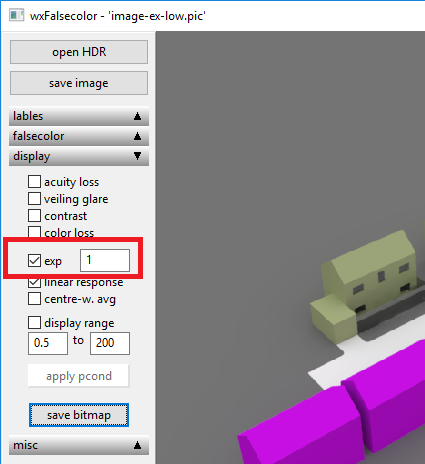


Rendered image is too bright. Most objects in the image are washed out and are not visible.
Adjust the exposure using the slider in Render dialogue. This linearly changes the image brightness. if the image is too bright or too dark, the level of the brightness can be adjusted
by changing the exposure level through the slider.
In Path tracing mode the slider updates the image immediately without a need to render the image.
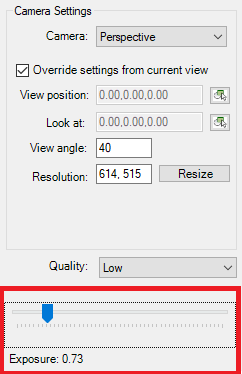
In Radiance mode, the exposure takes effect after rendering it image again.
Alternatively you may tick “Open Radiance image with wxfalsecolor” option in Render dialog options > General tab to open the Radiance image in wxfalsecolor application to set the exposure directly. This immediately updates the image without re-run.